Mission 1#
During this week, I will discover and learn Kubernetes, and how to deploy a simple application to k8s.
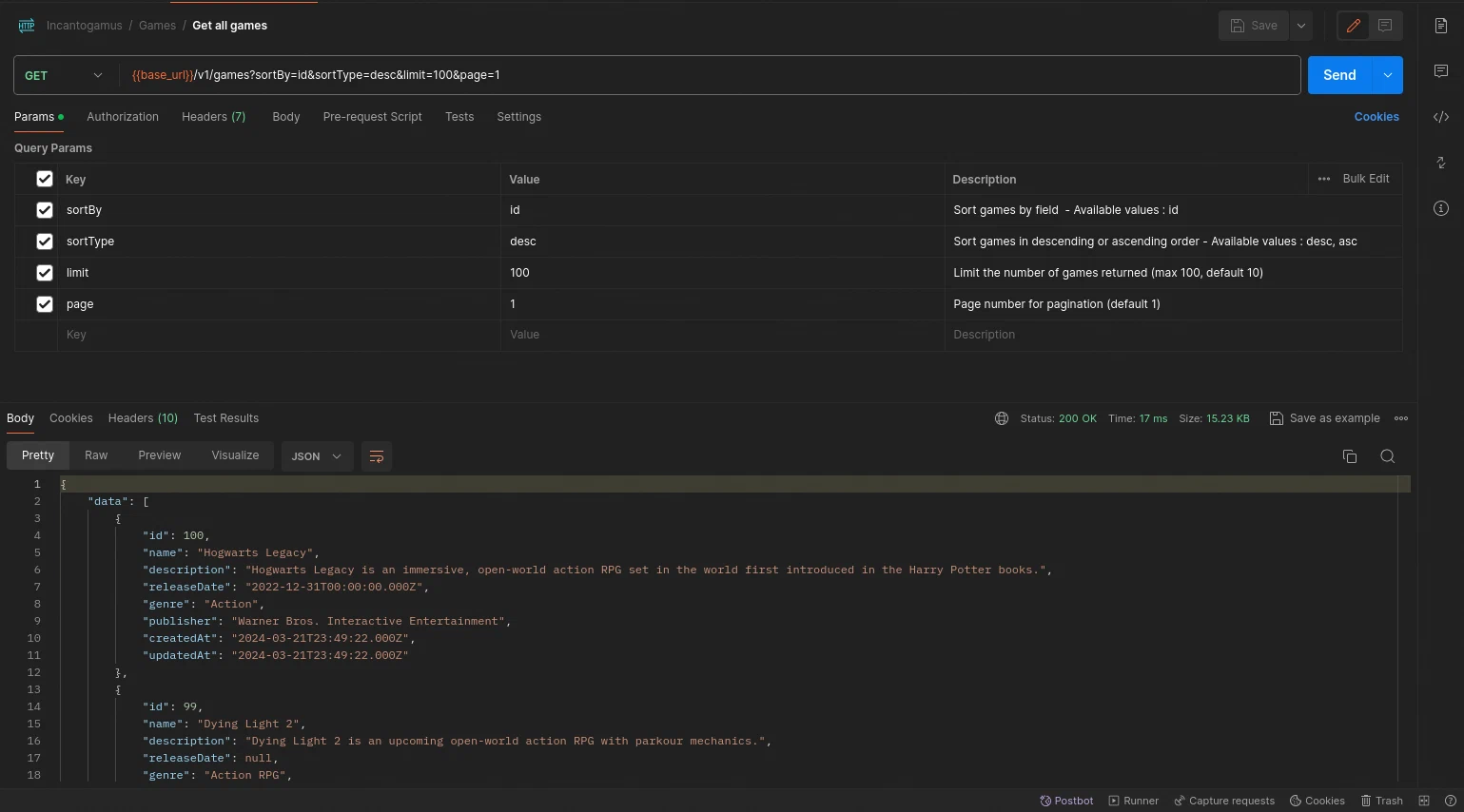
I will build a simple API application with Express and then deploy it to Kubernetes, including a database and Redis cache.
The API will be an Incantogamus app, a simple CRUD application for video games.
Incantogamus is a whimsical and imaginary word created with a mix of Latin and whimsy, inspired by the magical world of Harry Potter. However, in terms of actual meaning, it doesn’t have a specific definition or translation as it’s a made-up term. It’s intended to evoke a sense of enchantment and mystery, fitting for a magical word related to games in the Harry Potter universe.
To Do#
Project: https://github.com/civilcoder55/incantogamus
Create a simple API application with Express
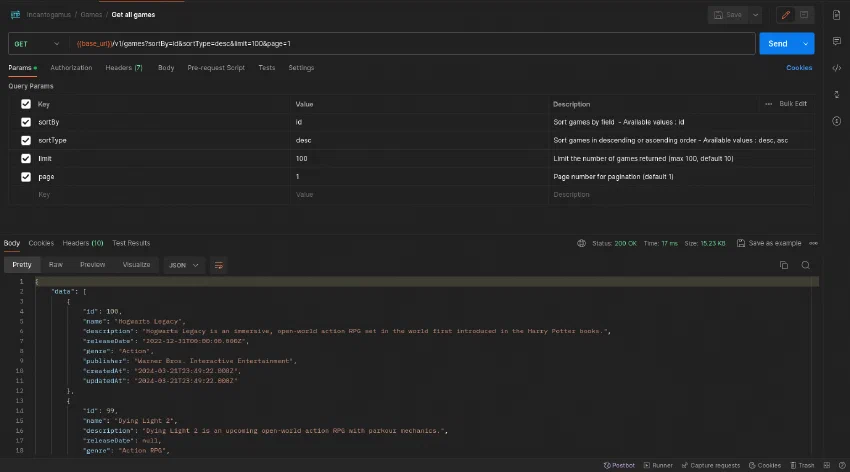
Dockerize the application
Deploy the application to Kubernetes
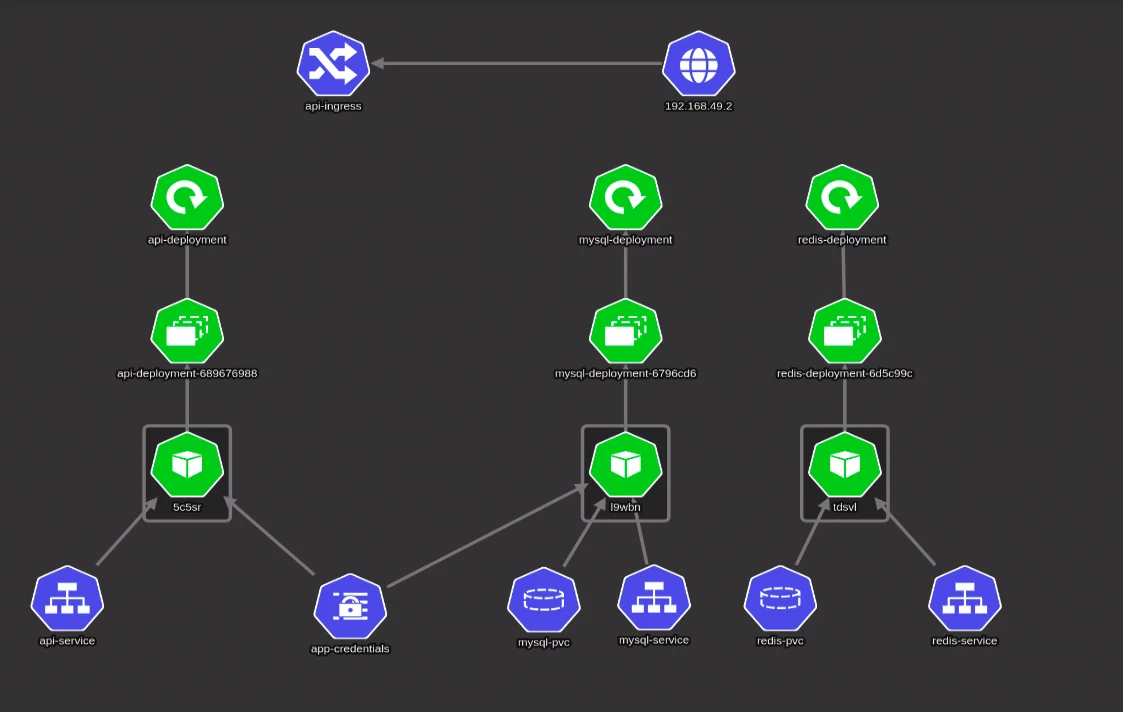
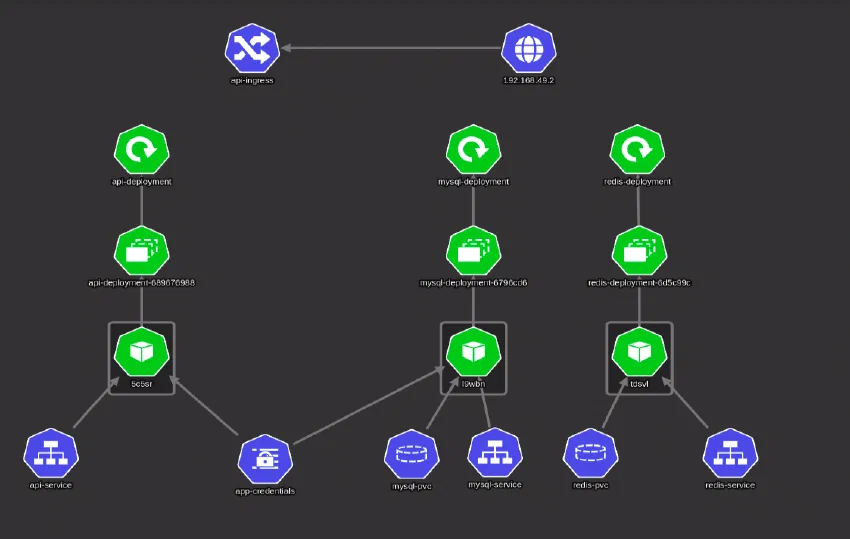
I deployed the application to a Kubernetes cluster on my local machine using minikube. The cluster looks like this:
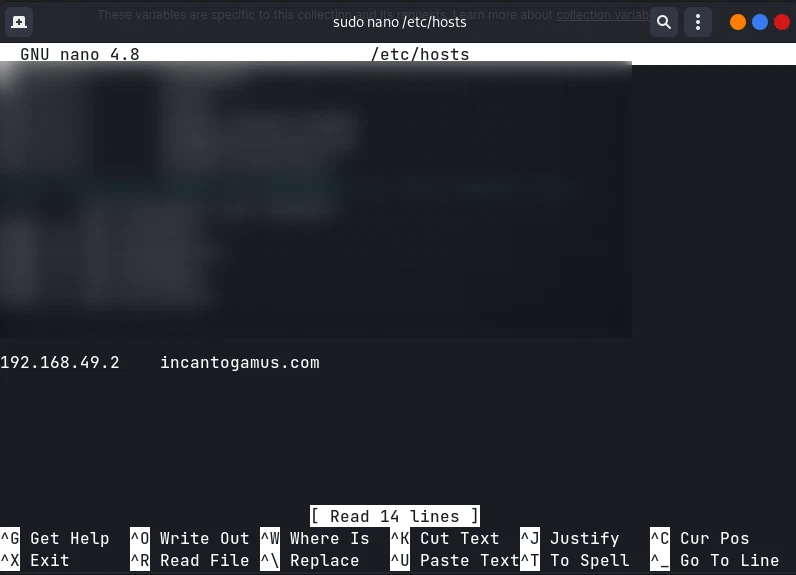
Created an ingress to expose the application to the outside world, and made a domain point to the minikube node IP address.
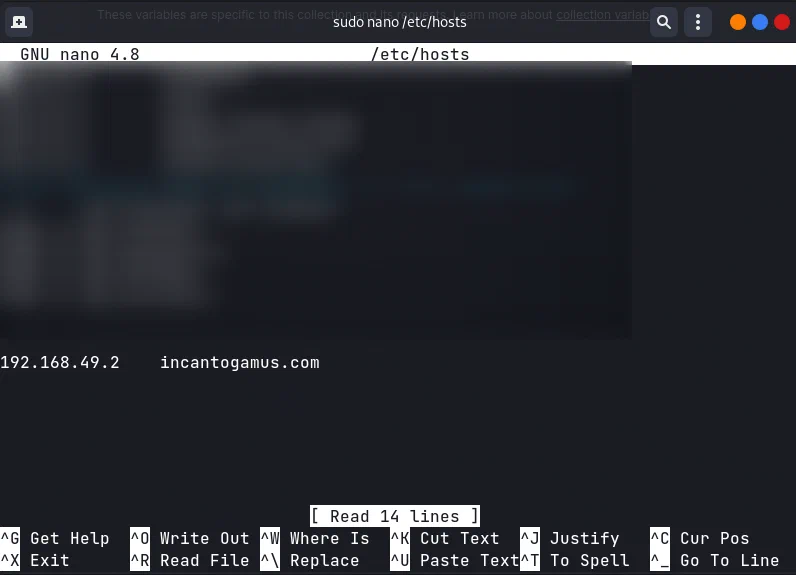
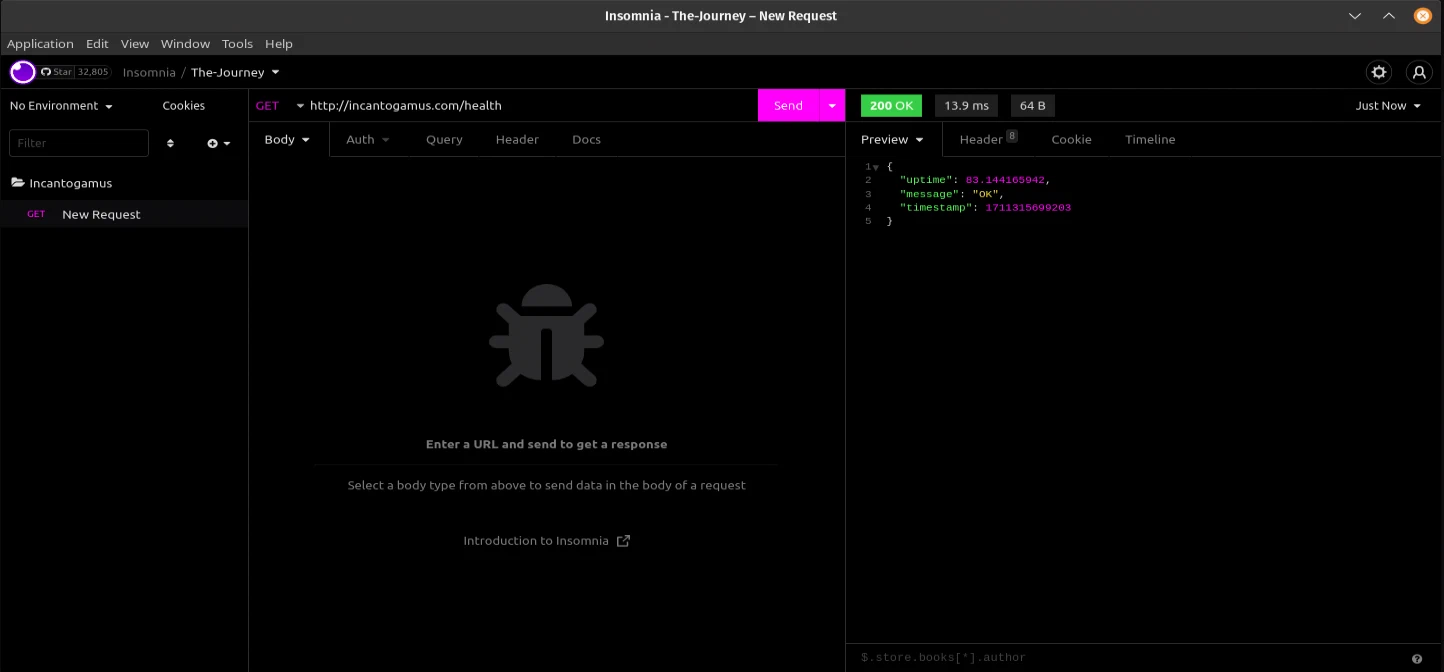
The application is accessible at
incantogamus.com.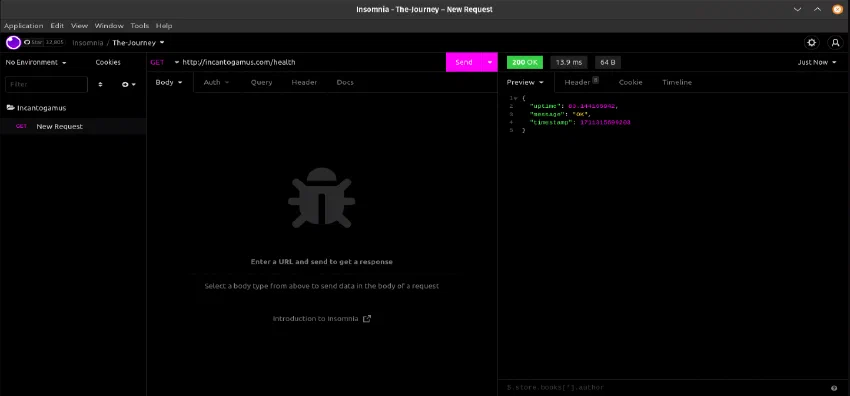
Discover and play with Kubernetes features
Learning Helm Charts
- During this sub-mission, I learned what Helm is and how to use and create Helm Charts.
- I created a Helm Chart for the Incantogamus application. I have published it to a Helm Repo hosted on GitHub using GitHub Pages and Helm releaser.
- The Helm Chart is accessible at: https://civilcoder55.github.io/learning-helm-charts/
- Updated the application README to include the Helm Chart usage: https://github.com/civilcoder55/incantogamus